
SCM常见报错和解决方案
这里汇总记录了生产过程中场景的SCM报错和解决方案。持续更新中……
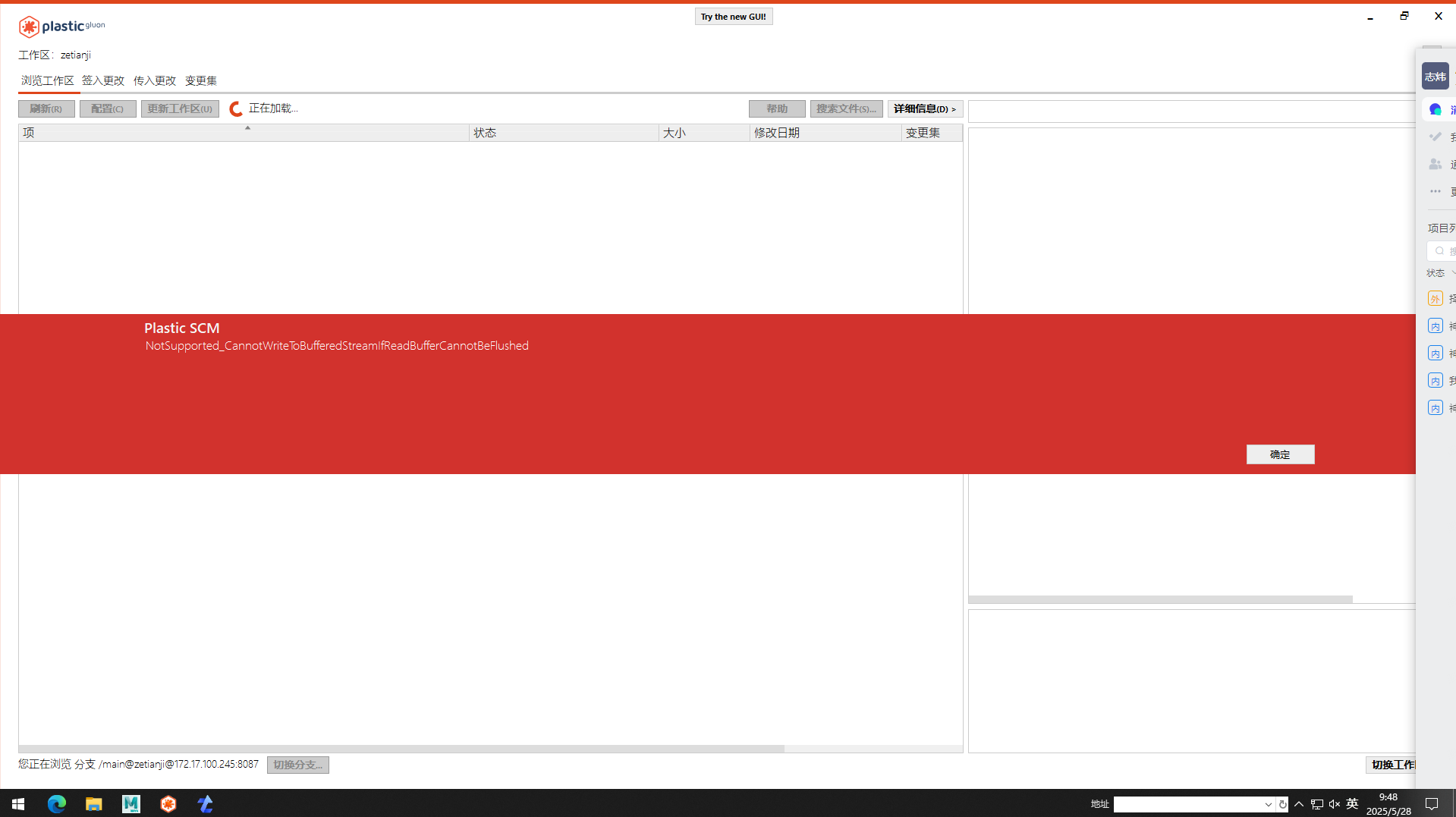
Q1、not supported can not write to bufferd stream if read buffer can not be flushed
(不支持——如果读取缓冲区不能被清除,则不能写入缓冲区流。)
该问题生产反馈是从更新6949版本后出现的
解决方案
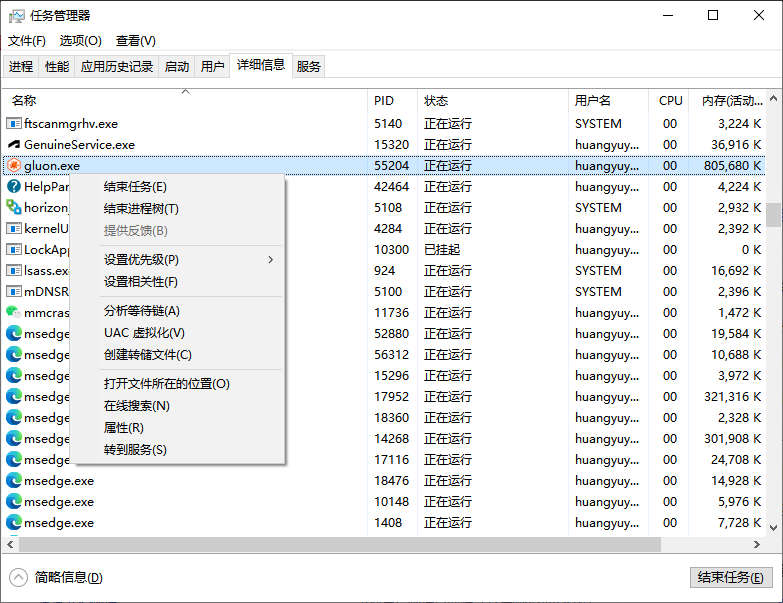
打开任务管理器,结束gluon.exe 进程
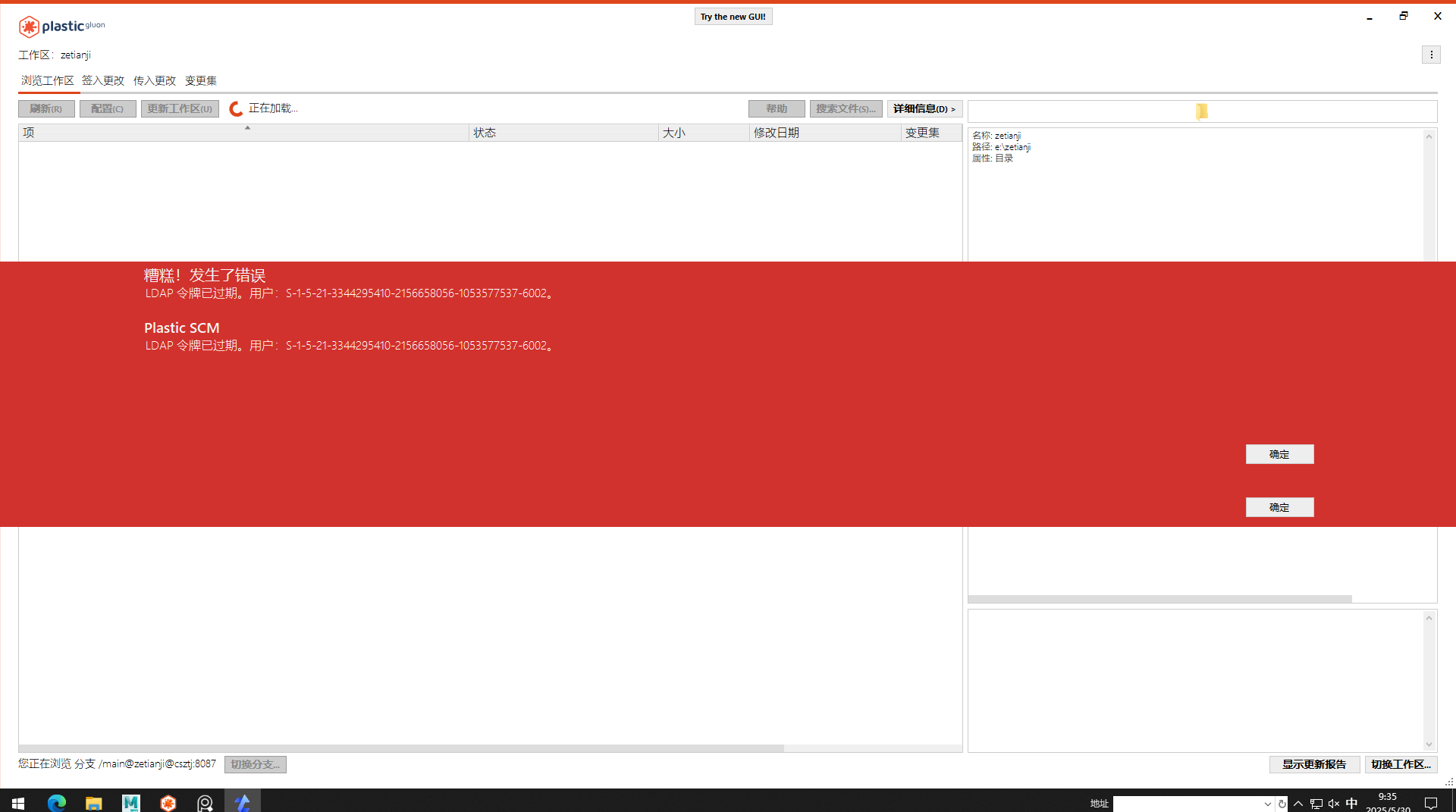
Q2、LDAP 令牌已过期。用户:S-1-5-21-3344295410-2156658056-xxxxxxxxxx-xxxx
解决方案
老版本没有卸载干净,卸载完成后,清理%appdata%/../local目录下的plastic4目录和plasticSCM安装目录后再安装新版本
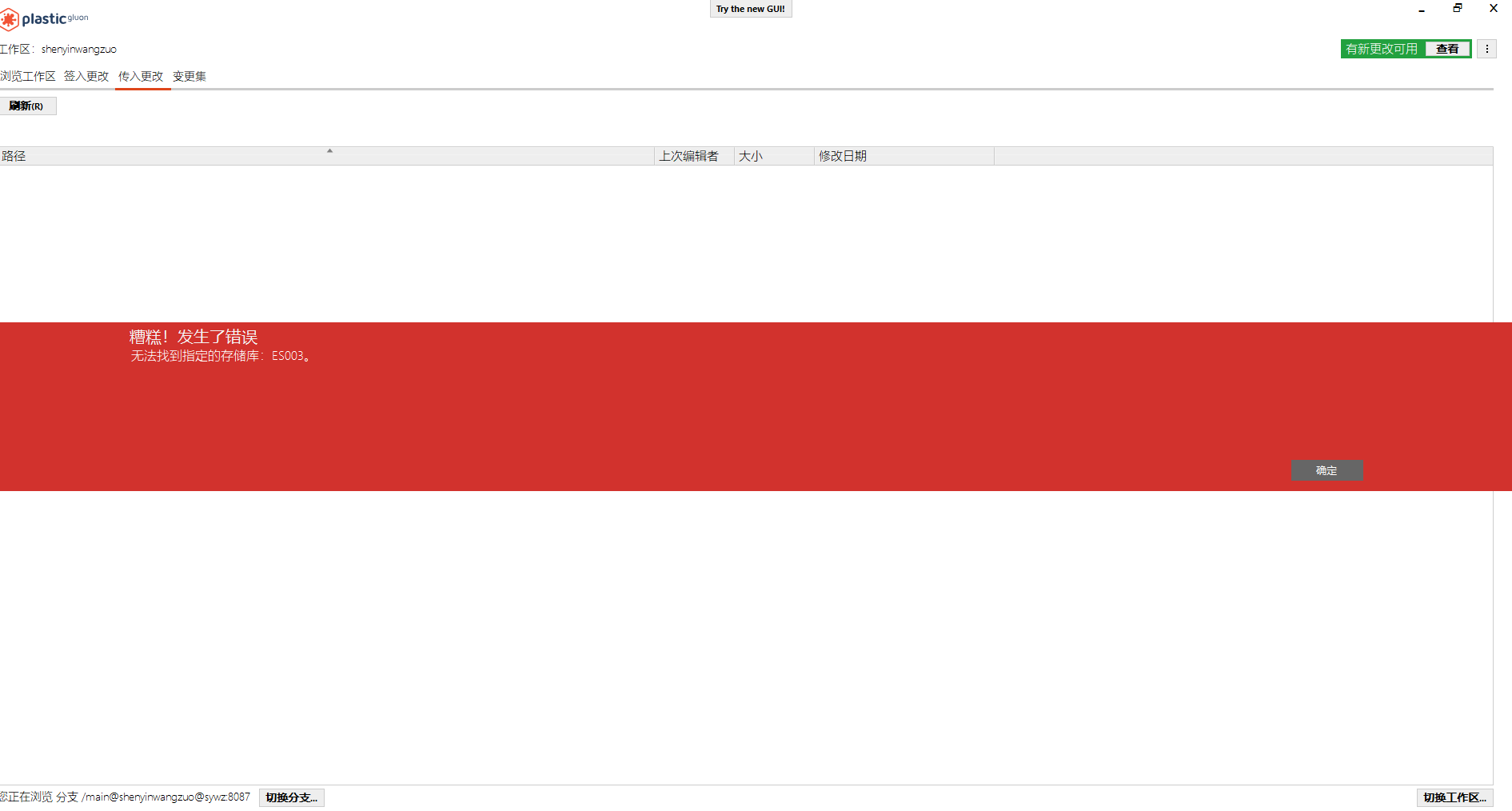
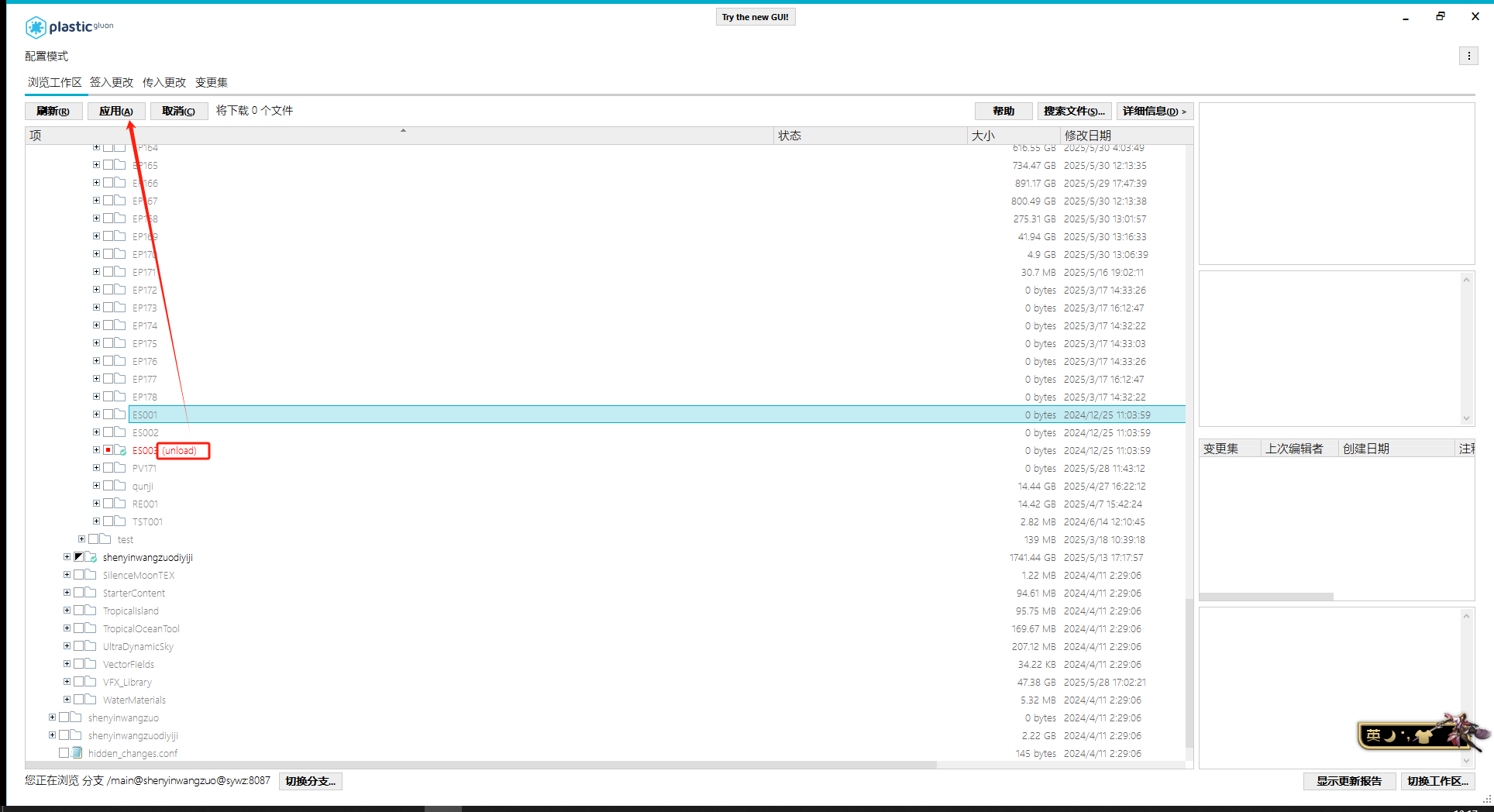
Q3、无法找到制定的存储库ES003
解决方案
该问题是由已播完集数服务器存储库下线导致报错,找到项目对应shot下的集数,unload即可
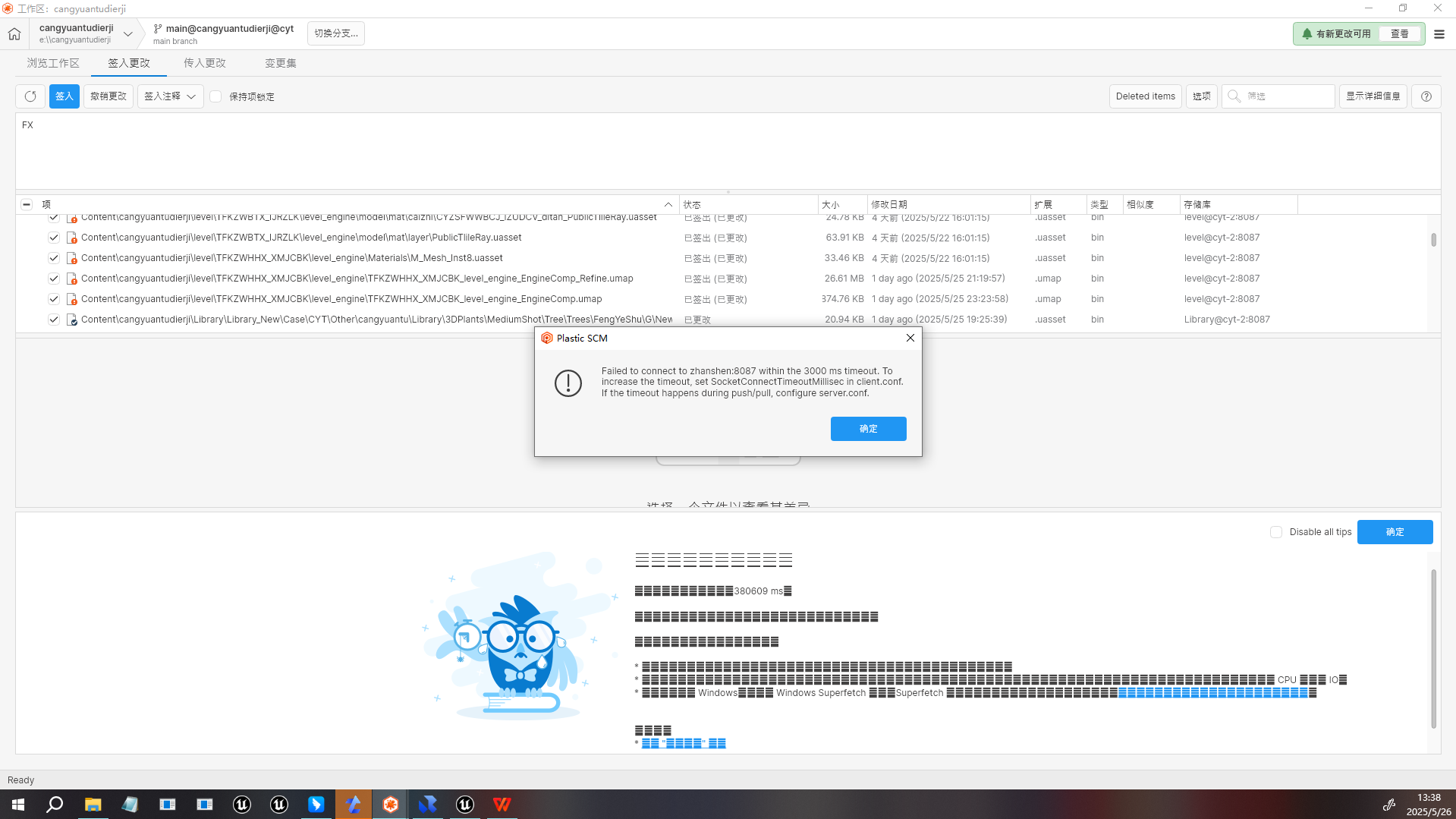
Q4、Failed to connect to zhanshen:8087 within the 3000 ms timeout. Toincrease the timeout,set SocketConnectTimeoutMillisec in client.confIf the timeout happens during push/pull, configure server.conf.
解决方案
该问题是连接到服务器超时。
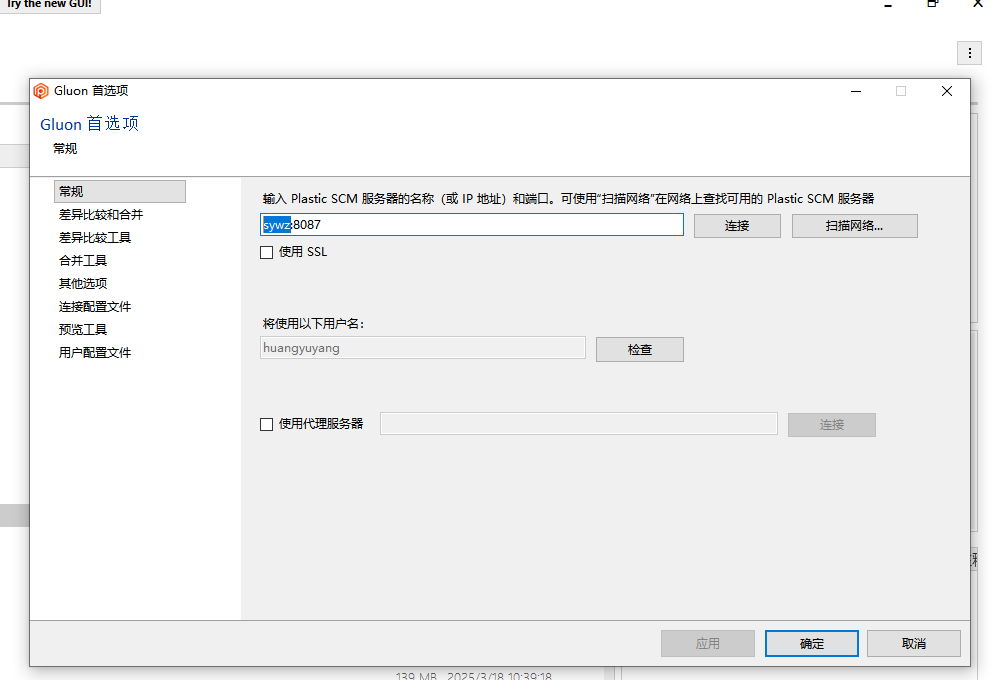
原因1:连接了已下线的项目服务器,需要到首选项改成目前在做的项目地址
原因2:服务器网络问题,或未开机(运维会及时处理)
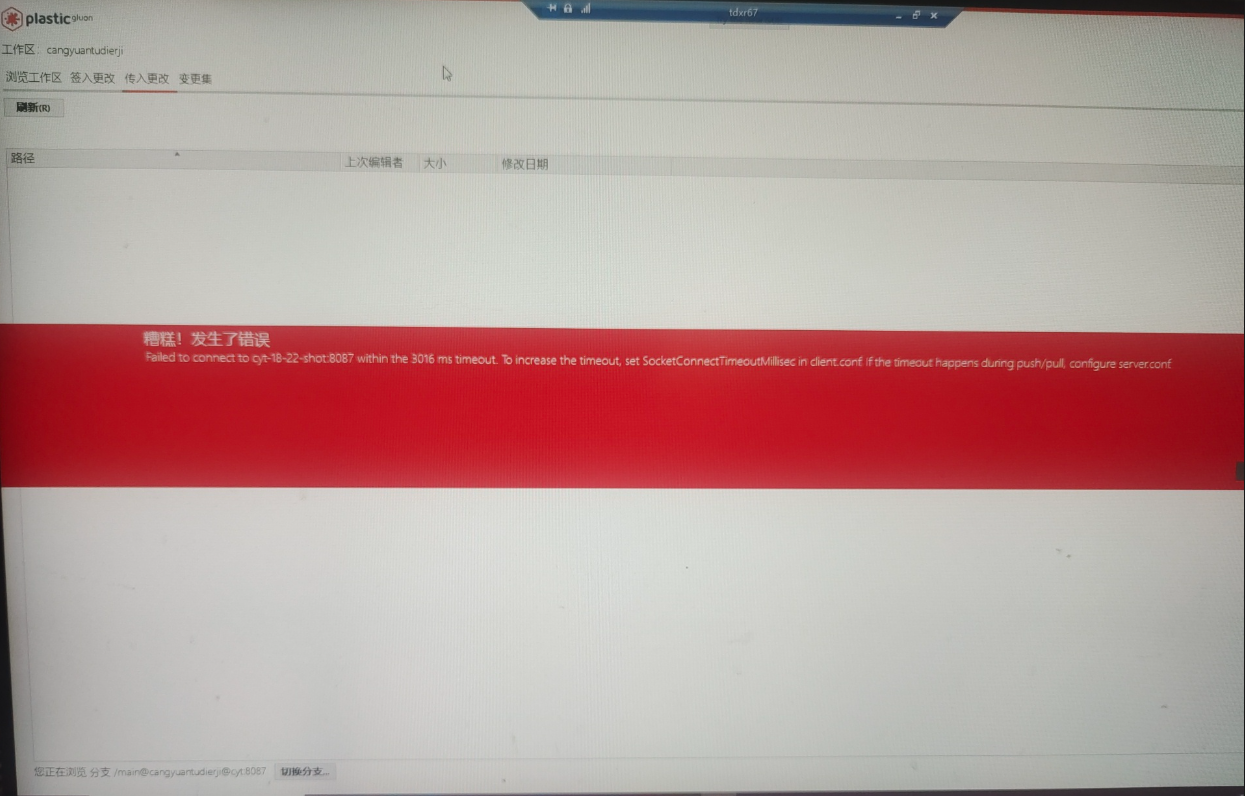
Q5、Failed to connect to cyt-18-22-shot:8087 within the 3016 ms timeout. To increase the timeout,set SocketConnetct Timeout Milisec in client.conf if the timeout happens during push /pull, configure server conf
解决方案
该问题同Q3一样,解决方法就是unload掉本地已播出且下线的集数
Q6、您对/SC01/shot139a/efx/EP165_SC01_shot139a.uasset 没有change,ci权限
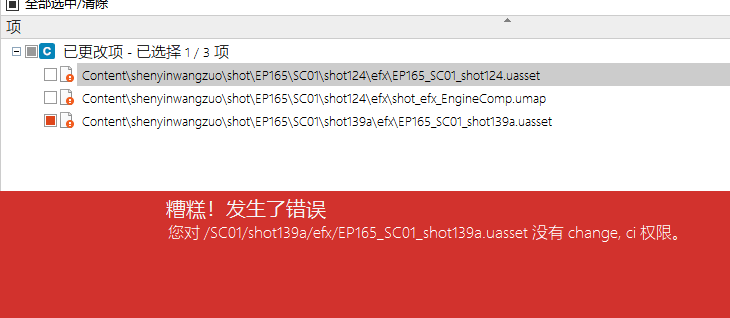
解决方案
权限问题,没有迁入权限,造成原因可能迁到其他部门的库了或没有赋予权限,找运维核对添加